
Downloading your filled PDF form
Learn how to download your completed PDF from AnyPDFfiller as a finished file — ready to email, upload to a portal, or print, with fields merged in.
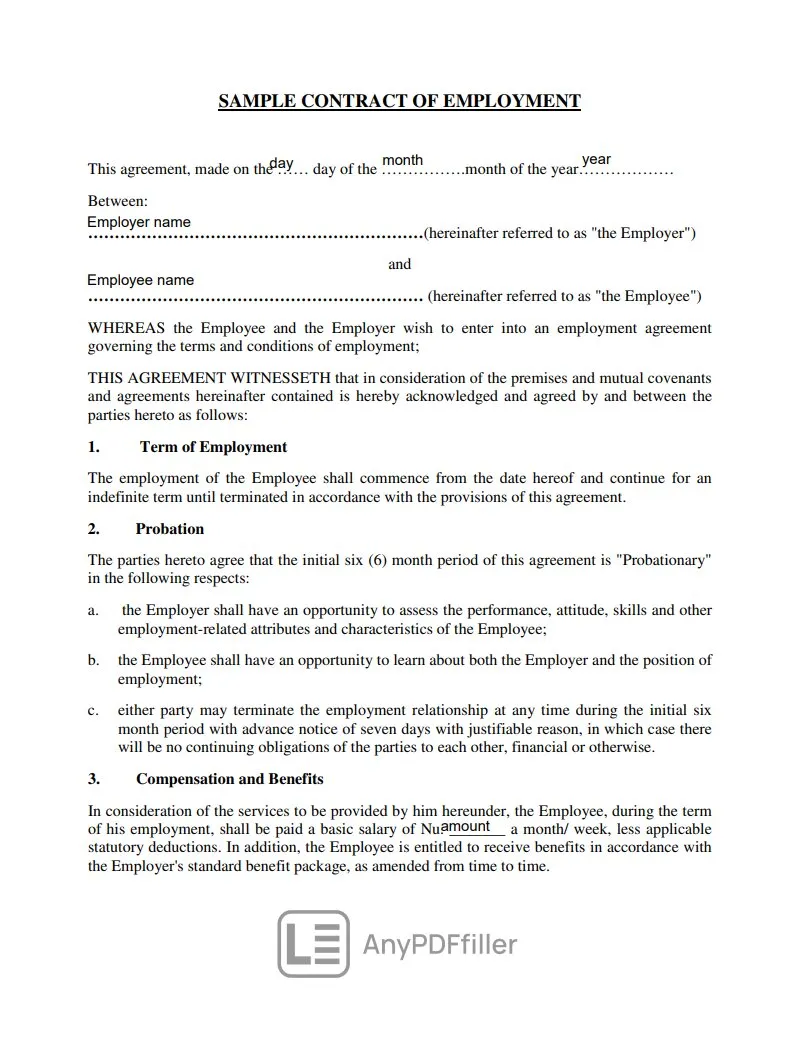
When your form is complete, click the Download button in the top toolbar to save it. AnyPDFfiller builds a finished PDF with every field you filled baked into the page, so the file you get is a standard PDF that opens in any viewer, on any device.
What you get
The download is a completed copy of your form — your typed answers, checks, and signature sit exactly where you positioned them. Your original file is left untouched; this is a new, finished version saved to your browser’s downloads. From there you can email it, upload it to a portal, or print it.
Check before you download
It helps to glance at the Document completion bar in the left sidebar first — it shows how many fields are filled, so you can catch a blank you missed before saving.
About the watermark
On the free version, the downloaded file includes a small watermark. To save a clean copy without it, purchase a Premium plan and use the watermark-free download. Premium also unlocks:
- saving PDFs as projects
- creating templates you can fill faster
- saving Data Sets to complete forms in fewer steps
- more AI Field Detection usage
- reusable fields for lightning-fast setup.
Ready to start filling your PDFs?
Fill out PDF documents like a pro in minutes - no premium account needed.