
AI field detection
Learn how AnyPDFfiller's AI field detection finds the blanks on the current page automatically, so you can fill a form far faster.
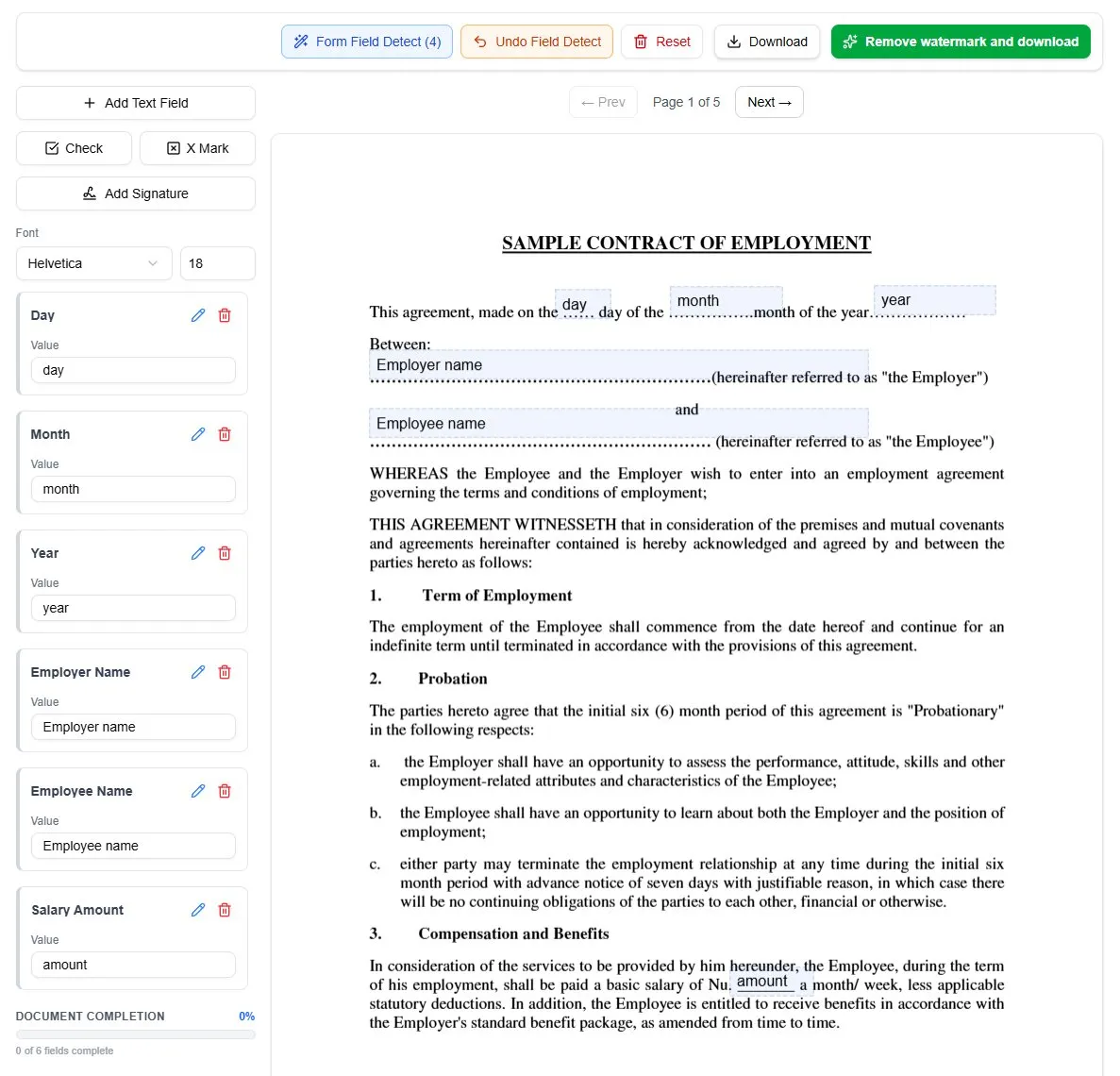
AI field detection is a feature of the AnyPDFFiller platform which allows the users to utilize an AI algorithm to detect fillable fields in your PDF documents. This method allows the users to detect the fields in both:
- text-based PDFs
- scanned image PDFs
To use it, simply press the Form Field Detect button to analyze the current page of the PDF document and let the application create the fields for you.
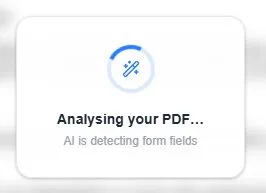
While waiting, the following loader should appear.
After the generation is finished, the function should generate the fields for you. They should have the correct placement, label and some placeholder value which needs to be replaced.
If you are not satisfied with the changes that the AI function has made, you can undo them by pressing the Undo Field Detect button in the top bar.
NOTE
AI Field Detection is an experimental feature. The algorithm might not be always correct and sometimes slight manual modification of the field placement is required. For large documents with significant amount of fields, it offers big time savings and reduces manual work greatly.
If you enjoy using this automatic feature and would like to use more of it, please consider moving to a higher Premium plan of AnyPDFFiller where you get considerably higher limits of usage of this feature.
Ready to start filling your PDFs?
Fill out PDF documents like a pro in minutes - no premium account needed.