
Can You Fill a PDF Online? Yes – Here Is How
Can you fill a PDF online without printing? Learn how to upload a PDF, fill fields online, and download a clean submission-ready file.
Yes, you can fill a PDF online.
You do not need to print or scan.
You do not need special software.
You only need a browser and a PDF file.
When filling a PDF online works
Filling a PDF online works for:
- Applications
- School forms
- Job forms
- Visa and immigration documents
- Business paperwork
If the PDF is fillable or scanned, you can still complete it online.
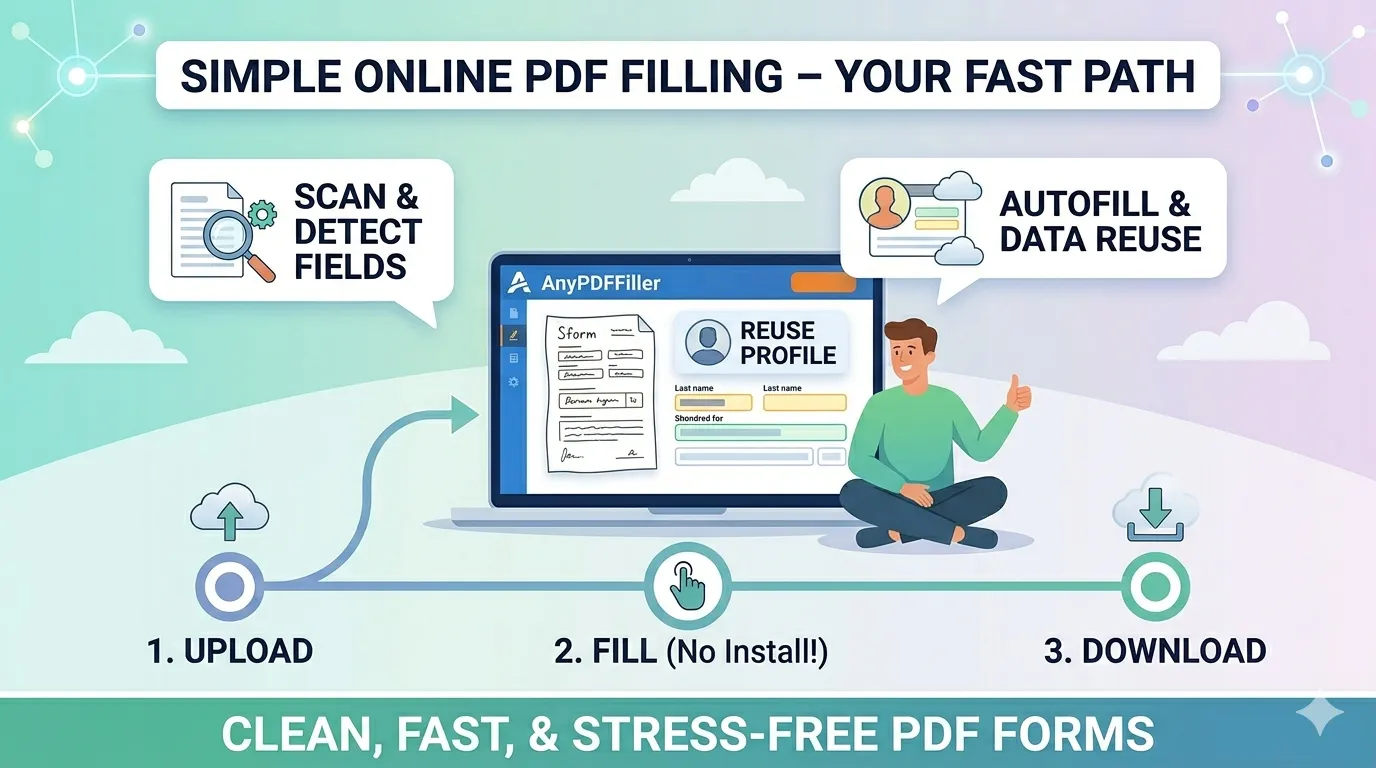
How to fill a PDF online
The process is simple.
Upload your PDF.
Fill the fields online.
Review the form.
Download a clean file.
Everything happens in your browser.
What if the PDF is scanned
Some PDFs are scanned images.
They do not have editable fields.
AnyPDFfiller uses OCR to detect text and fields.
You can still fill the PDF online.
Autofill makes filling faster
Most PDF forms repeat the same information.
- Name
- Address
- Contact details
Save your data once.
Autofill future PDF forms instantly.
Free vs paid filling
You can fill PDFs online for free.
Free includes:
- Upload
- Manual filling
- Preview
Paid access lets you:
- Download clean PDFs
- Remove watermarks
- Reuse your data
- Access form history
Does it work on a phone?
Yes. Because everything runs in the browser, the same steps work in Safari on an iPhone or Chrome on Android — no app to install. Open the PDF from your email, tap the fields to type, draw your signature with a finger, and download the finished file. There are dedicated walkthroughs for editing a PDF on iPhone and on a Mac.
What about signatures?
Most forms end with a signature line, and that works online too: draw it with your mouse, trackpad, or finger, then place it on the line. The signature is merged into the page on download, so it looks the same in every PDF viewer — details in how to sign a PDF.
Is it private?
The details you type into a form are exactly the details you would not want floating around. Your entries are kept private, and you do not need to create an account just to fill and download a document.
Frequently asked questions
Can I fill a PDF online without Adobe?
Yes — no Acrobat, no installation. A browser-based filler handles the whole process; see the Adobe alternative comparison if you are weighing the two.
Can I fill a PDF that has no clickable fields?
Yes. Add a text field, click the spot on the page where the answer goes, and type. Field detection also helps find the blanks automatically.
Which forms do people actually fill online?
Everything from W-9s and direct deposit forms to USCIS forms, rental applications, and consent forms — any PDF someone sends you to complete.
Why filling PDFs online is better
No paper. No scanning. No handwriting.
Online PDF filling is faster and cleaner.
Upload your PDF and fill it online now.
Ready to start filling your PDFs?
Fill out PDF documents like a pro in minutes - no premium account needed.