
Fill PDF Online Free vs Paid – What Is the Difference?
Fill PDF online for free or upgrade to paid? Learn the difference between free and paid PDF filling and when a subscription makes sense.
Many tools let you fill PDFs for free.
Some require payment.
The difference matters when you need a clean submission-ready file.
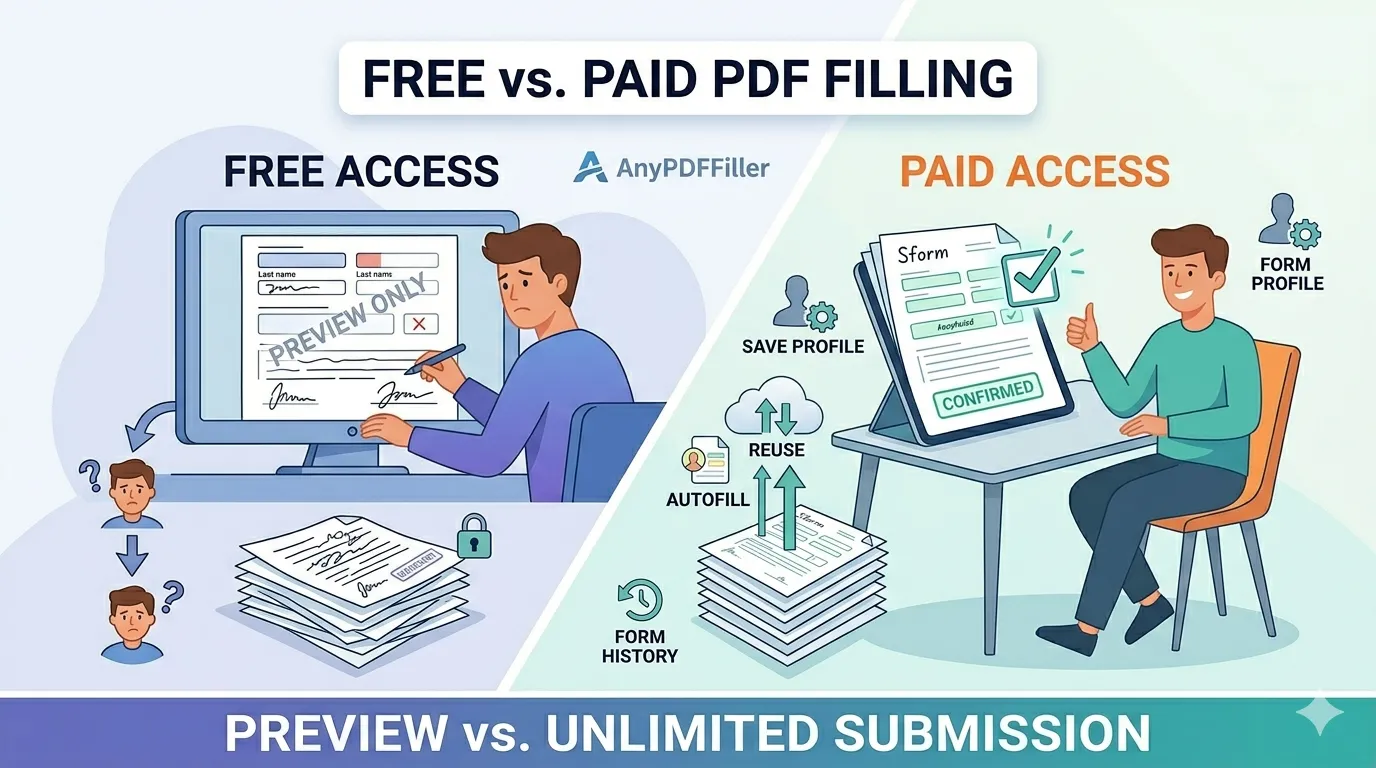
What free PDF filling includes
Free PDF filling is useful for basic tasks.
Free access usually includes:
- Upload a PDF
- Manual filling
- Preview the completed form
This is enough to test a form or check layout.
Limits of free PDF filling
Free tools usually have limits.
Common limits are:
- Watermarked downloads
- No downloads at all
- No saved data
- No autofill
Free works once.
It slows you down the next time.
What paid PDF filling unlocks
Paid PDF filling removes limits.
Paid access includes:
- Clean watermark-free downloads
- Saved profiles
- Autofill across PDFs
- Form history
This turns PDF filling into a repeatable workflow.
When paid filling makes sense
Paid filling makes sense if you:
- Fill more than one PDF
- Submit official documents
- Reuse the same information
- Want clean professional files
A subscription saves time very quickly.
Free vs paid for scanned PDFs
Scanned PDFs require OCR.
This is more complex to process.
Free access lets you preview.
Paid access lets you download clean files.
How it works at AnyPDFfiller specifically
The sections above describe free tools in general. Here is the honest, concrete version for this one:
- Free: upload, fill, sign, and download — with a small watermark on the file. No account needed to start, and your entries are kept private.
- Premium: the watermark disappears, and you get saved profiles, autofill across forms, reusable fields, and project history.
The real plans are listed on the pricing page: weekly at $4.50, monthly at $9, or a year for $47. There is no trial trickery — the free tier stays usable, and you upgrade only when a clean, watermark-free file matters.
A simple rule of thumb
- One casual form, watermark acceptable → stay free.
- Anything you submit officially — a job application, a W-9, a rental application — → premium for the clean copy.
- Recurring paperwork (freelancers, landlords, HR) → premium pays for itself through autofill alone; retyping your details on every form is the real cost.
Frequently asked questions
Can I really download for free?
Yes — with a watermark on the output. Some competitors block downloads entirely on free tiers; here the free file is complete and usable, just marked.
What exactly removes the watermark?
Any paid plan — weekly, monthly, or yearly. The download itself is otherwise identical.
Do free and paid files differ in quality?
No. Same PDF, same typed text, same signature. The watermark is the only visual difference; the workflow features (saved data, autofill, history) are the practical ones.
Can I cancel easily?
Yes — plans are self-managed, and the subscription guide shows where to cancel in a couple of clicks.
Upload your PDF and choose the option that fits your needs.
Ready to start filling your PDFs?
Fill out PDF documents like a pro in minutes - no premium account needed.