
How to Fill a Scanned PDF Online
Learn how to fill a scanned PDF online using OCR. Upload a scanned PDF, fill fields easily, and download a clean submission-ready file.
Scanned PDFs cannot be typed into.
Printing and handwriting is slow.
You can fill a scanned PDF online instead.
What is a scanned PDF
A scanned PDF is an image.
It has no fillable fields.
Typing does not work.
Clicking fields does not work.
Most PDF tools fail here.
Step 1: Upload the scanned PDF
Upload the scanned PDF file.
The file opens in your browser.
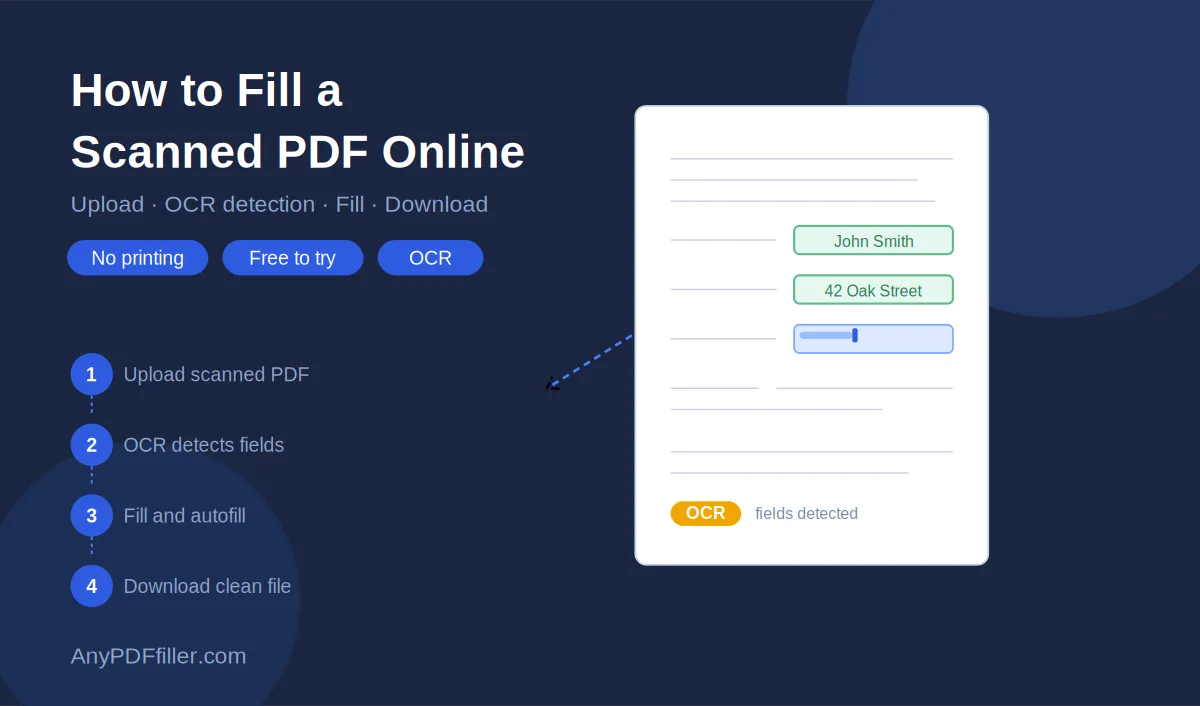
AnyPDFfiller detects text using OCR.
No software required.
Step 2: Detect and fill fields
Detected fields appear next to the PDF.
Click a field and type your answer.
Move through the form step by step.
No drawing or text boxes required.
Step 3: Autofill repeated information
Scanned forms often repeat the same details.
- Name
- Address
- Contact information
Save your data once.
Autofill scanned PDFs instantly.
Step 4: Review and download
Review all filled fields.
Fix any missing information.
Download a clean PDF ready to submit.
No printing or scanning needed.
Common uses for scanned PDFs
School forms.
Job applications.
Visa documents.
Medical and insurance forms.
If you receive scanned PDFs, this saves hours.
Free vs paid scanned PDF filling
You can try filling scanned PDFs for free.
Free includes:
- Upload
- Manual filling
- Preview
Paid unlocks:
- Clean downloads
- Saved profiles
- Autofill
- Form history
Upload your scanned PDF and fill it online now.
Ready to start filling your PDFs?
Fill out PDF documents like a pro in minutes - no premium account needed.