
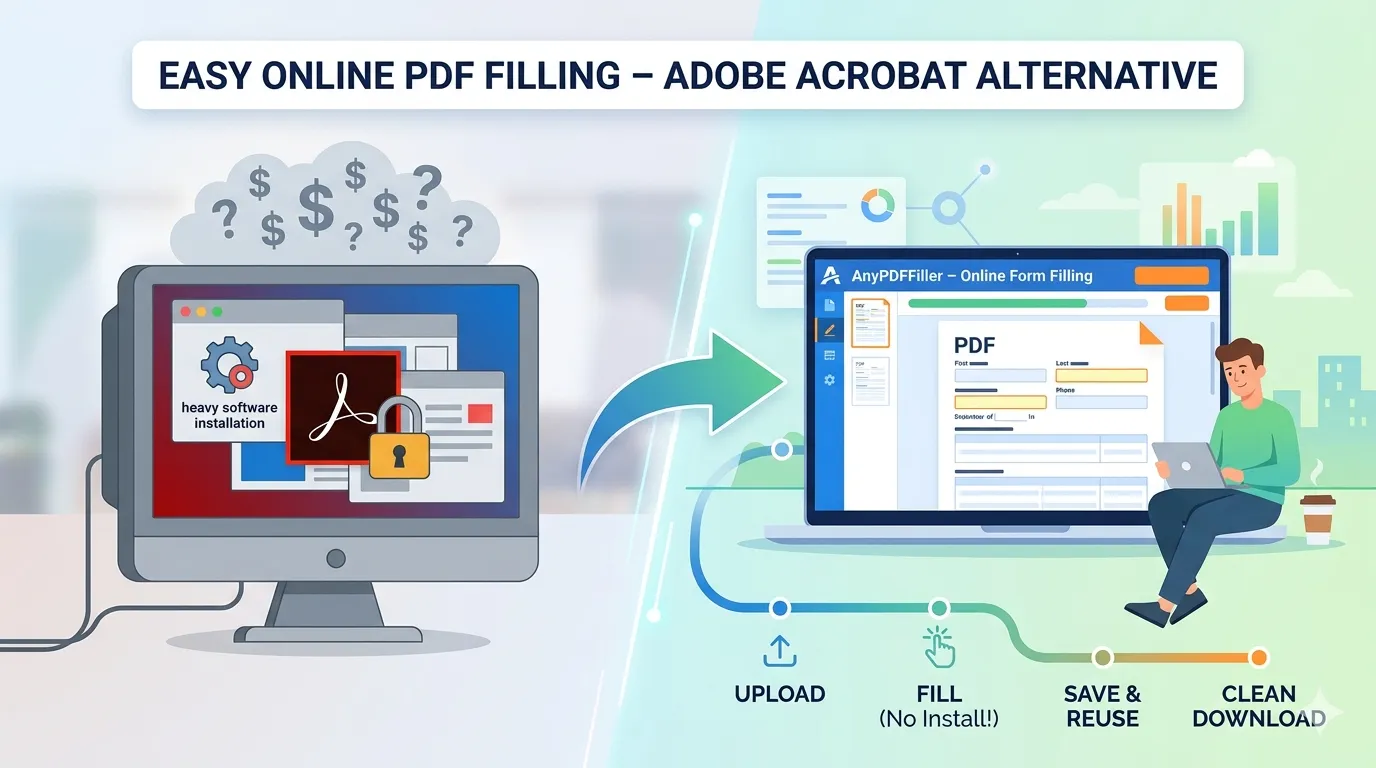
Adobe Acrobat Fill PDF Alternative – Fill PDF Forms Online
Looking for an Adobe Acrobat fill PDF alternative? Fill PDF forms online without software, reuse your data, and download clean submission-ready files.
Adobe Acrobat is powerful.
It is also heavy and expensive.
If you only need to fill PDF forms, there is a simpler way.
Why people look for an Adobe alternative
Adobe Acrobat is built for many tasks.
Editing. Design. Markup.
For filling forms, this is often too much.
You pay for features you do not use.
Many users just want to complete a PDF and submit it.
Fill PDF forms without installing software
AnyPDFfiller works in your browser.
No downloads.
No updates.
No system requirements.
Upload a PDF.
Fill the fields.
Download a clean file.
Faster form filling than Acrobat
Filling forms in Acrobat can be slow.
Fields are small and hard to manage.
AnyPDFfiller lists all fields clearly.
Fill one field at a time.
Move through the form quickly.
This is faster for submissions.
Autofill and reuse your data
Adobe does not focus on reuse.
AnyPDFfiller lets you:
- Save your personal data
- Autofill new PDF forms
- Reuse the same profile across documents
This saves time on every form.
Works with scanned PDFs
Adobe struggles with scanned forms.
AnyPDFfiller uses OCR to detect fields.
Fill scanned PDFs online.
No printing required.
Cost comparison
Adobe requires a subscription.
You pay even if you only fill forms.
AnyPDFfiller offers:
- Free filling and preview
- Paid access only when you need clean downloads
This makes it a better Adobe Acrobat fill PDF alternative.
To be fair: when Acrobat is the right tool
An honest comparison cuts both ways. Acrobat Pro earns its subscription if you genuinely need to rewrite a PDF’s existing body text, restructure pages, run print-production preflight, or apply certificate-based digital signatures inside a corporate workflow. Those are editing and publishing jobs.
Filling in forms is not one of them. If your PDFs arrive already written — and yours just need names, dates, checkmarks, and a signature — you are paying Acrobat prices for a form-filling task a browser tool does in less time.
Works on any device, no license juggling
An Acrobat license lives on the machines it is installed on. A browser filler works wherever you are logged into nothing at all: the office PC, your Mac, or your iPhone while the form is still sitting in your inbox. For teams, that also means no per-seat installs for people who touch one form a month.
Who should use an Adobe alternative
Students and parents. Freelancers and contractors. Expats and immigrants filling USCIS forms. Small businesses handling W-9s and onboarding paperwork.
If you only need to fill PDF forms, simpler is better.
Frequently asked questions
Can I fill and sign a PDF without any Adobe product?
Yes — upload, type, sign, and download entirely in the browser. The dedicated fill PDF without Adobe page covers the details.
Will the recipient notice a difference?
No. The output is a standard PDF with your text and signature merged in — indistinguishable from a form completed in Acrobat.
Does the free Adobe Reader fill forms?
Reader handles PDFs with proper interactive fields, but struggles with flat or scanned forms, and reuse features are behind Acrobat Pro. A browser filler covers all three cases without the install.
What does the alternative cost?
Filling and previewing are free (watermarked download); paid plans start at $4.50 per week — see free vs paid for the honest breakdown.
Upload your PDF and fill it online without Adobe now.
Ready to start filling your PDFs?
Fill out PDF documents like a pro in minutes - no premium account needed.