
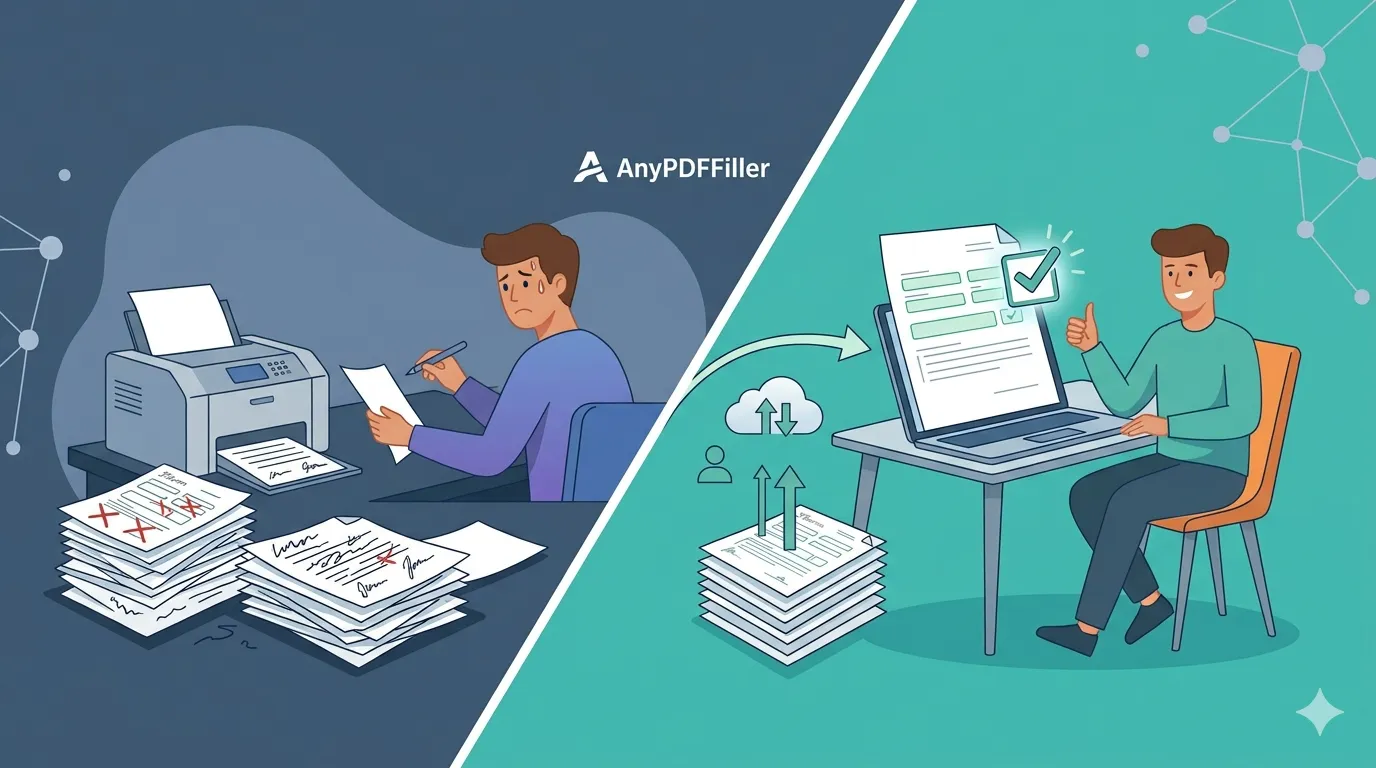
Fill PDF Online vs Printing – Which Is Better?
Fill PDF online or print and scan? Compare both methods and see why filling PDF forms online is faster, cleaner, and more reliable.
PDF forms can be filled in two ways.
Online or on paper.
One is fast and clean. The other is slow and outdated.
How printing PDF forms works
Printing a PDF means:
- Print the file
- Write by hand
- Scan the document
- Upload or email it
This process takes time and creates errors.
Problems with printing and scanning
Printed forms often have issues.
Handwriting is hard to read.
Scans are low quality.
Text alignment breaks.
Files become large and messy.
This slows down submissions and reviews.
How filling PDF online works
Filling PDF forms online is simple.
Upload the PDF.
Fill the fields digitally.
Download a clean file.
No paper. No scanner. No handwriting.
Online filling is faster
Online PDF filling saves time.
You type once.
You move field by field.
You submit instantly.
This matters when you fill many forms.
Works with scanned PDFs
Even scanned PDFs can be filled online.
AnyPDFfiller uses OCR to detect fields.
You can fill scanned PDFs without printing.
The same form, side by side
Picture a two-page job application due this afternoon.
On paper: find a printer, print, write your details by hand, hope nothing smudges, find a scanner or scanning app, scan each page straight, check the file is readable, email it. Twenty to thirty minutes — if the printer cooperates.
Online: upload the PDF, type into each field, add your signature, download, reply to the email. Under five minutes, and the employer receives typed, legible answers instead of handwriting they need to decipher.
The gap grows with every extra form. Applications, W-9s, consent forms, rental applications — each one printed is another print-write-scan cycle; each one filled online reuses the details you already typed.
When printing still makes sense
Honesty helps here: a few documents still end up on paper — but usually after filling online, not instead of it.
- Documents that need a wet-ink signature in front of a notary, like an affidavit — fill the fields online, print the completed form, sign at the notary.
- Offices that explicitly ask for a paper copy.
In both cases you still avoid handwriting the content: type everything on screen, then print a clean, completed document.
Frequently asked questions
Is an online-filled PDF accepted the same as a printed one?
Yes — the recipient gets a standard PDF with your answers merged into the page. For most applications, schools, and employers, a typed form is actually preferred because it is legible and easy to process.
Do I lose quality by skipping the scanner?
The opposite. A scan is a photo of paper — skewed, shadowed, and heavy. A form filled online stays a true digital PDF: crisp text, small file size, perfectly straight.
What if my form is a scanned photocopy?
You can still fill it online. AnyPDFfiller detects the layout so you can type over the scanned page — see how to fill a scanned PDF.
Do I need to print to sign?
No. Draw your signature in the browser and it is merged into the page — the full walkthrough is in how to sign a PDF.
For most forms, online filling is the better option.
Upload your PDF and fill it online instead of printing.
Ready to start filling your PDFs?
Fill out PDF documents like a pro in minutes - no premium account needed.